
Features / 04
Remote access
Check the rig from another computer or your Android phone.
Read the guide ↗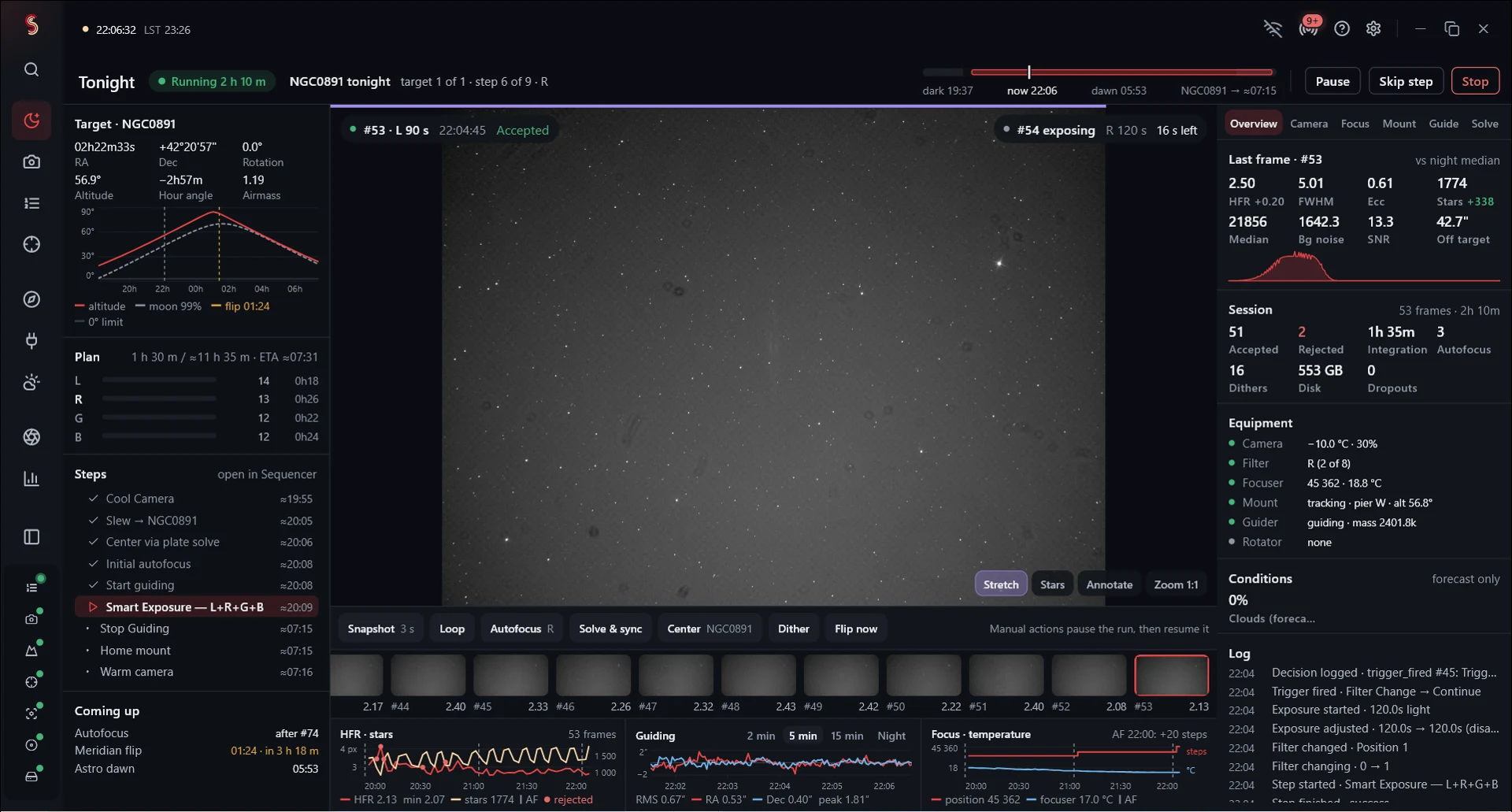
A CLOSER LOOK
Keep an eye on the current run
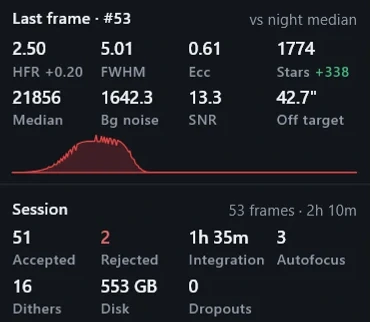
The imaging computer stays connected to the equipment. Use a paired companion to check progress and the latest frame while the host keeps running the sequence.
Pair with your own imaging computer
Connect over your local network, or use your own Tailscale network away from home. Pair with the host using the code or QR shown in Remote access.
EquipmentCamera · mount · accessories
↕Imaging computerSkotiq runs the sequence here
↕Paired companionLocal network or your Tailscale network